
Best Birding Apps for Beginners in 2026
Published on 1/12/2026 • 8 min read
No birding app covers every job equally well. Identification, sound analysis, field-guide study, and checklist recording are different tasks. A beginner usually needs two apps: one for working out what the bird might be and one for recording the observation.
The strongest starting point is Merlin Bird ID paired with eBird. BirdNET is useful when sound is the main clue. Seek makes sense for families or anyone who wants to explore more than birds. Bird Lens offers another photo and sound workflow, with its web tools centered on gathering field evidence before settling on a name.
Quick comparison
| App | Best use | What to know |
|---|---|---|
| Merlin Bird ID | Bird photo, sound, and step-by-step ID | Photo ID returns a shortlist; downloaded bird packs support offline use |
| eBird | Checklists, locations, and life-list records | Precise locations and careful counts make records more useful |
| BirdNET | Short recordings and sound comparisons | Returns ranked suggestions with confidence scores; background noise still matters |
| Seek by iNaturalist | Broad nature exploration | Identifies plants, fungi, insects, and other wildlife as well as birds |
| Bird Lens Photo ID | Reviewing a bird photo with field context | Use the checklist and assisted result as evidence to verify, not a final ruling |
Merlin Bird ID: best all-round identification app
Cornell Lab's Merlin combines several beginner-friendly routes into one app. You can answer questions about a bird, submit a photo, or use Sound ID. Its photo tool offers a short list rather than one absolute answer, which is the right shape for a difficult identification problem.
Merlin also connects each suggestion to reference photos, recordings, range maps, and nearby-bird data powered by eBird observations. Photo ID and Sound ID can work offline after the relevant bird pack is downloaded. That matters on trails with poor service.
Use Merlin when you want to move from a partial view or recording to a plausible shortlist. Confirm the match yourself. A suggestion based on a backlit silhouette or one chip note may be useful without being conclusive.
eBird: best for recording what you saw
eBird is a checklist system rather than a quick camera identifier. Start a checklist when you begin birding, record species and counts, then submit it with the location and observation details.
Location deserves care. eBird recommends the most specific location that represents the whole checklist and says to use a public hotspot only when the entire observation period occurred within that hotspot. This is more than tidy recordkeeping: location quality affects how observations can be interpreted later.
For a first outing, record birds you can support with a clear view, sound, photo, or notes. Leaving an uncertain bird at a broader level is better than adding a precise guess to a permanent list.
BirdNET: best dedicated sound tool
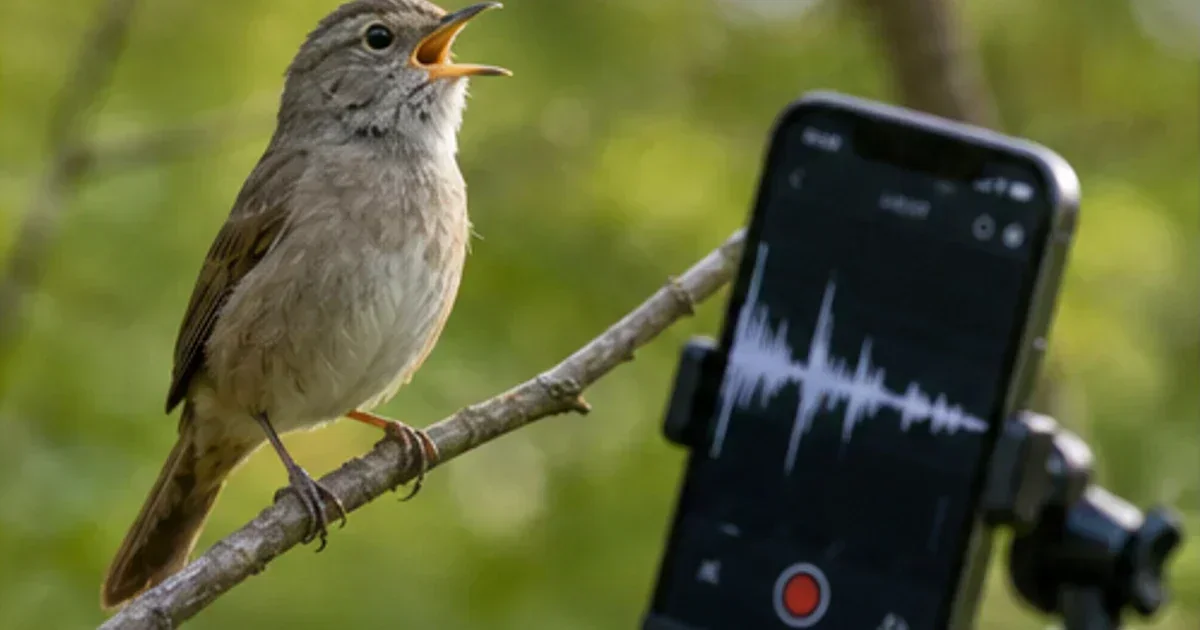
BirdNET focuses on audio. Record a short passage, select the useful section, and review the ranked species suggestions and confidence values. Its official guidance recommends a steady phone and as little traffic or handling noise as possible.
Confidence is not confirmation. Wind, insects, frogs, overlapping birds, and mimicry can all produce misleading candidates. Listen to reference recordings and check whether the species fits the place, season, and habitat.
Merlin Sound ID is convenient for continuous listening in supported regions; BirdNET is useful when you want to isolate and inspect a particular recording. Bird Lens also has a sound ID workflow for pairing audio with habitat and observation notes.
Seek: best for broader nature walks
Seek uses iNaturalist's image-recognition system across the tree of life. It can suggest birds, plants, fungi, insects, and other organisms through the camera. No account is required, and the app is designed around private, on-device observations and optional challenges.
That breadth is its advantage. A family exploring a pond can use one app for a heron, a dragonfly, and a flowering plant. A birder who wants community review and public biodiversity records should look at iNaturalist itself; Seek is the simpler private exploration tool.
Privacy and sharing differ across these apps. Seek does not require an account and keeps observations on the device by default. An eBird checklist becomes part of a community-science system, so its time and location are meaningful record fields. BirdNET lets users choose whether to contribute a recording and makes location optional. Read those choices before a field trip involving a private garden, a nest, or a sensitive species. An identification can remain useful without publishing a precise location.
Where Bird Lens fits
Bird Lens's web tools are built around the evidence a birder should collect: visible field marks, habitat, date, location, behavior, and competing species. The photo ID tool accepts a bird image and notes, while the beginner identification guide explains how to compare a candidate against what was actually observed.
Do not choose Bird Lens on the assumption that it has been independently benchmarked against Merlin, BirdNET, Seek, or another service. We have no published head-to-head accuracy study. Choose it if its guided workflow suits the way you want to examine a photo or sound.
A practical two-app setup
For most beginners:
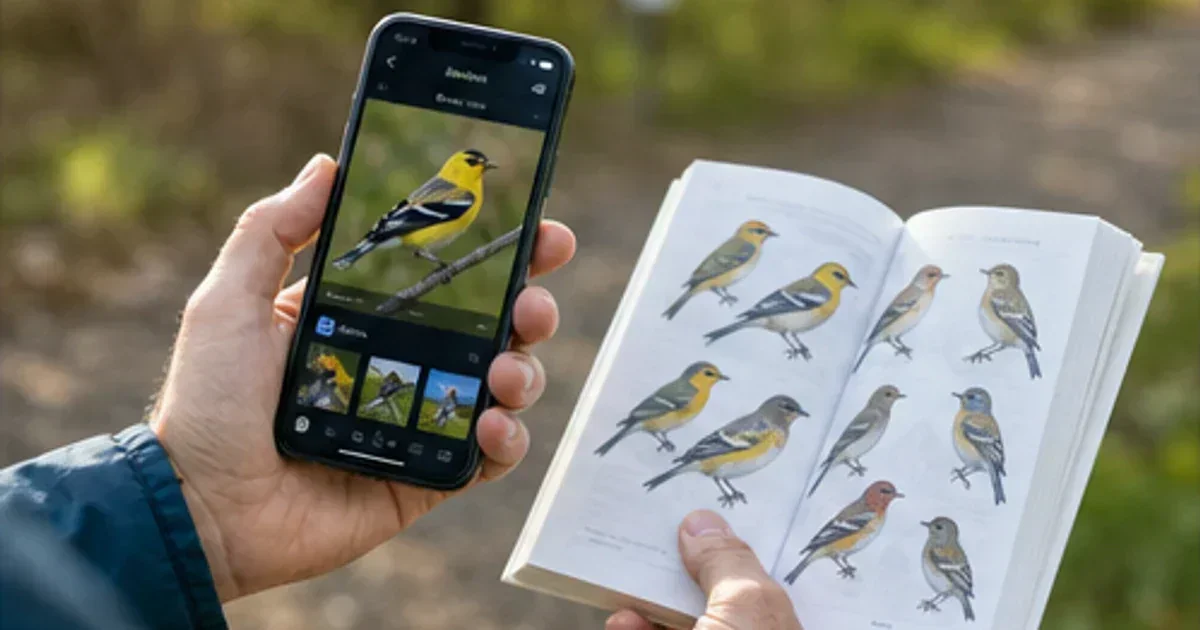
- Use Merlin, BirdNET, Seek, or Bird Lens to develop a shortlist.
- Check field marks, voice, range, season, and habitat against a trusted guide.
- Record supported observations in eBird or another checklist system.
Before opening any app, watch the bird for a few seconds. Note its size, shape, bill, behavior, location in the vegetation, and any sound. Those details remain useful when the photo is blurred or the recording contains several species.
If an app suggests an unexpected rarity, document the bird before sharing the claim. Take notes, keep the original photo or audio, and compare common look-alikes. Never crowd a nest, leave a trail, or use repeated playback to obtain better evidence.
The useful app is the one that helps you observe more carefully. Keep the toolkit small enough that the bird, rather than the phone, still gets your attention.
Try the tools
Put this advice into action
Use Bird Lens to identify a bird by photo or sound, then compare field marks and habitat.
Photo Bird ID
Upload a bird photo for AI-assisted species identification with encyclopedia links.
Sound Bird ID
Record bird songs and calls to get likely species matches from your audio capture.
Field Notes Bird ID
Identify likely birds from field marks, habitat, behavior, place, and date.
Similar Species Comparison
Compare two easily confused bird species using diagnostic field marks.
Beginner bird identifier guide: from first sighting to confident identification
Beginner bird identifier guide: from first sighting to confident identification: practical, field-tested guidance for identifying and observing birds with confidence.